Getting Started
This page gets you up and running with Numen and brings an agent into your Minecraft world.
Run into a problem, want to talk about how you play, or want to show off your agent? Come join us:
- Discord: https://discord.gg/FpDCV327vX
- QQ group: 1121662678
Installation
Numen is published on CurseForge. Search for "Numen" in your favorite Minecraft launcher to download it. The following versions and loaders are supported:
| Minecraft version | Loaders | Java |
|---|---|---|
| 1.20.1, 1.20.2, 1.20.4 | Fabric, Forge | 17 |
| 1.20.6, 1.21, 1.21.1, 1.21.4, 1.21.5, 1.21.8, 1.21.10, 1.21.11 | Fabric, NeoForge | 21 |
| 26.1.2, 26.2 | Fabric, NeoForge | 25 |
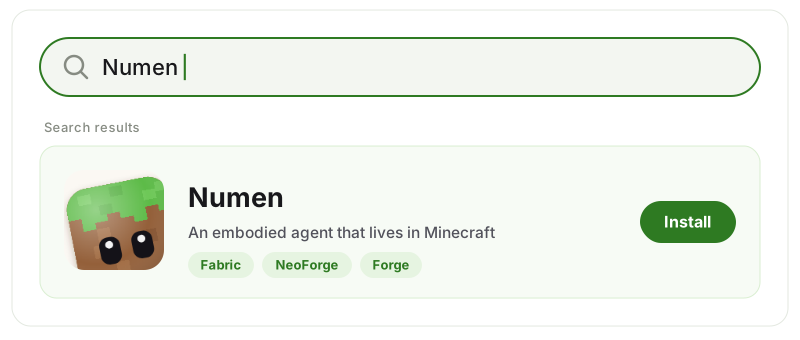
Numen is installed on both sides: to use it on a multiplayer server, install it on the server and on each client.
First Steps
Set up a model. In game, press the key that opens the panel (
Gby default,Non 1.21.8 and later; you can change it in the game's controls settings). On the settings page, choose a model provider and enter your own API key.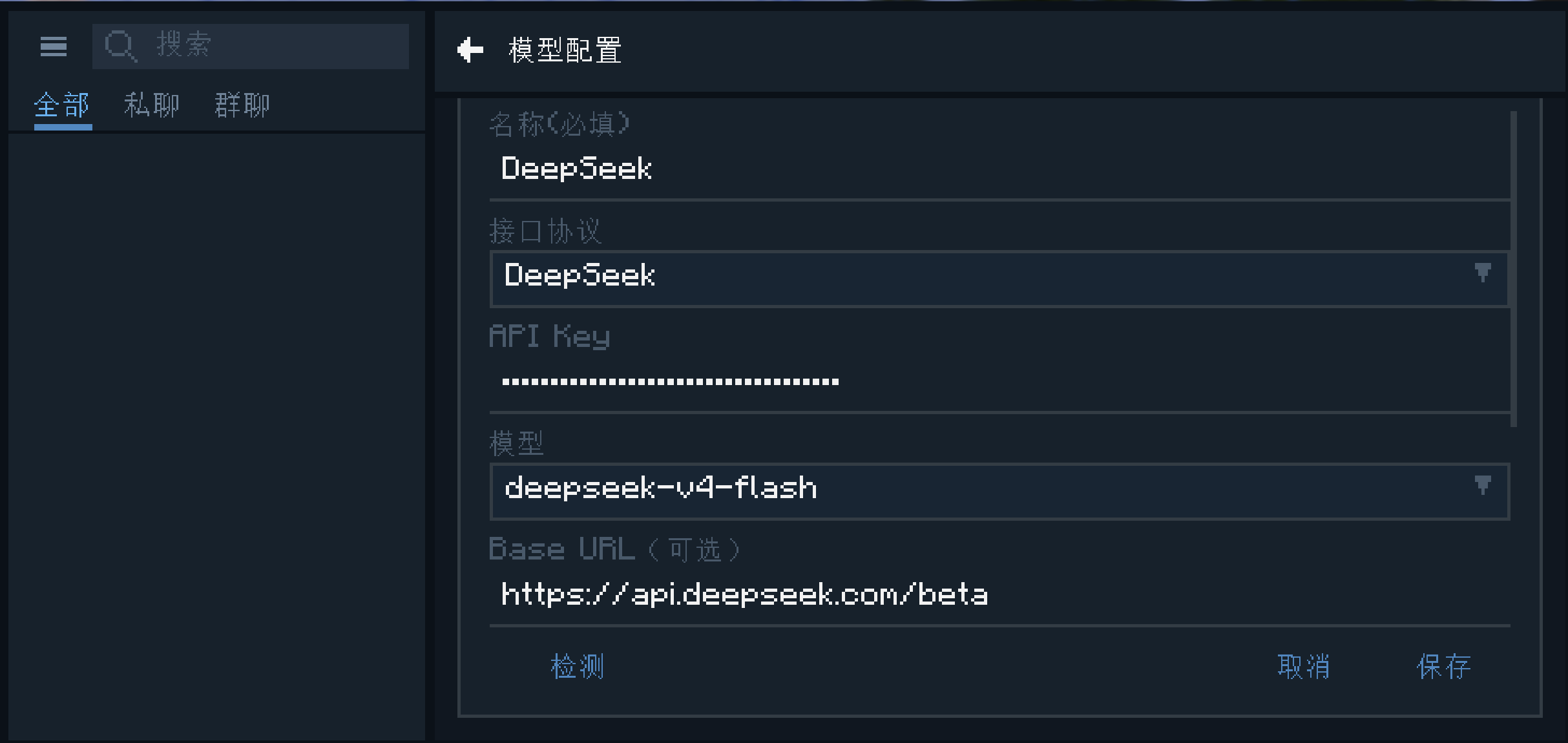
Summon an agent. Summon an agent from the panel and give it a name.
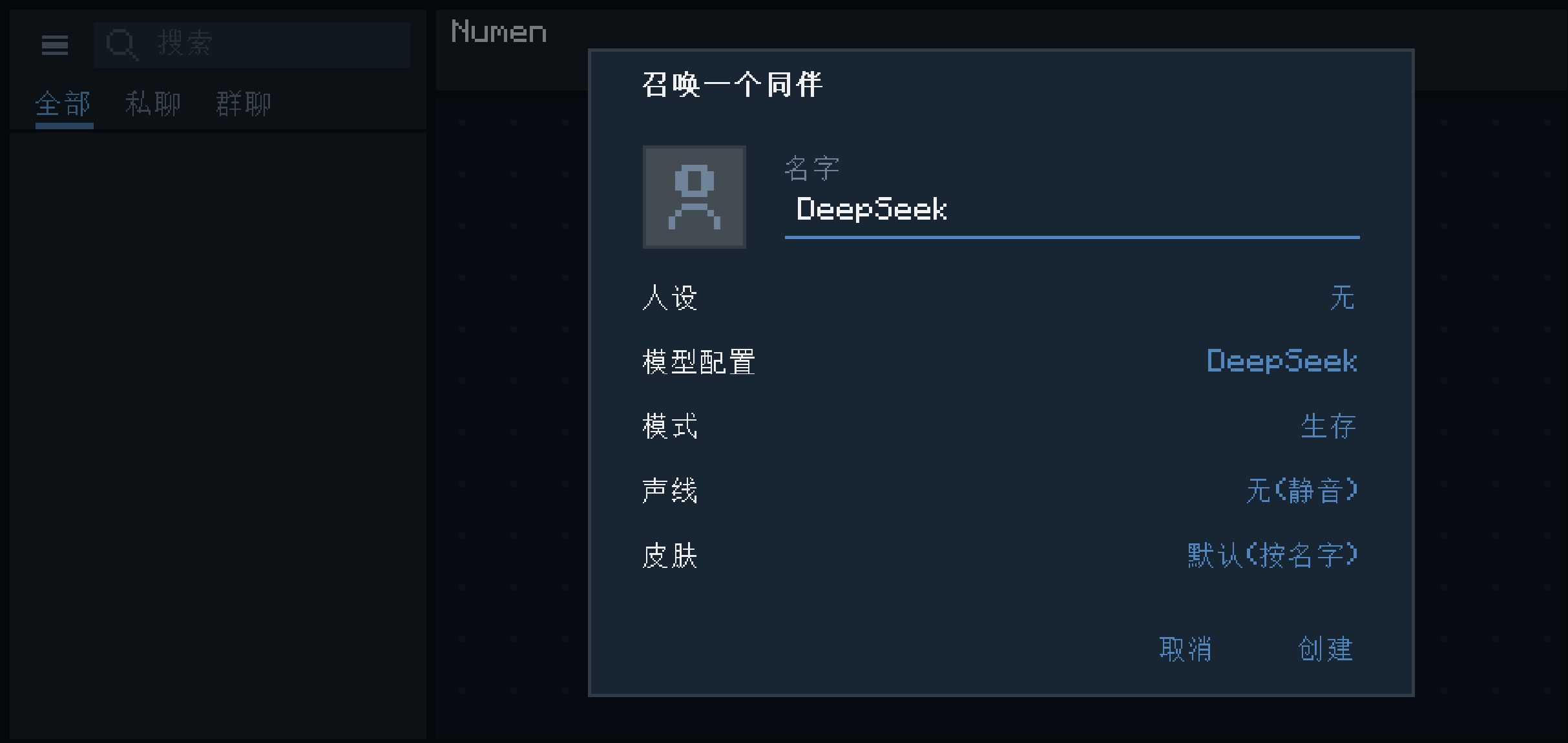
Start talking. Tell her what you want done in plain language, just like chatting with a friend, for example "chop some wood for me".
If you don't want to open the big panel every time, press
Yfor a quick chat. Once voice input is set up, holdVto talk by voice, and it doesn't block WASD (so you can keep running around~). When you have summoned several agents, holdRand scroll the mouse wheel to switch who you are talking to.Want a group chat? Drag the agents' avatars together to start one. In a group chat, @ a member and she will reply; @ no one and you are talking to everyone.
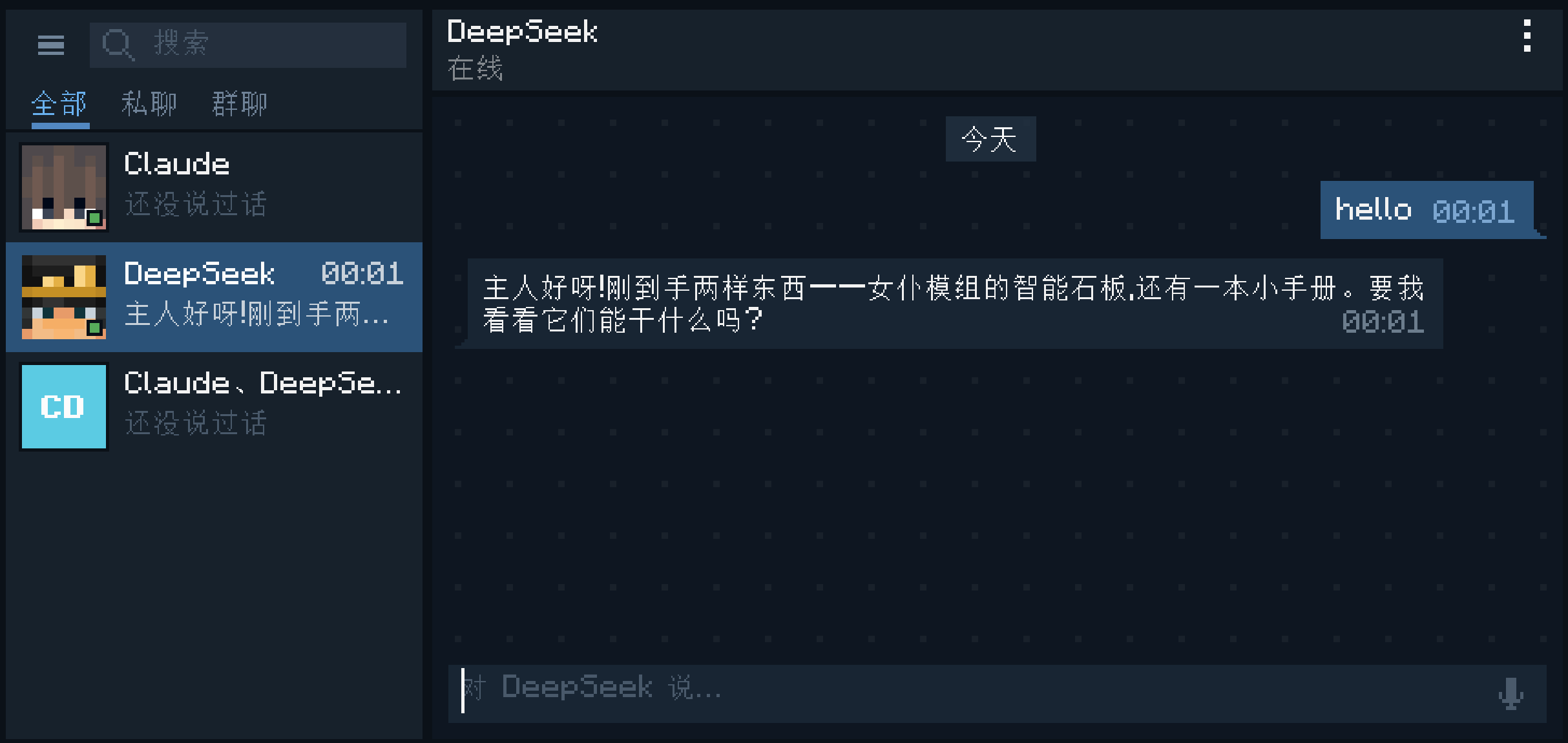
That's it: in just a few steps you have brought an agent into Minecraft. Have fun together in the world of blocks! Read on to learn more.