Personality
This chapter shows how to personalize your agent, including its persona, skin and voice.
Persona
A persona is a piece of text describing personality, speaking style and background, and it is written as-is into the model's system prompt. Numen comes with a few built-in personas (obviously Powered by Claude~):
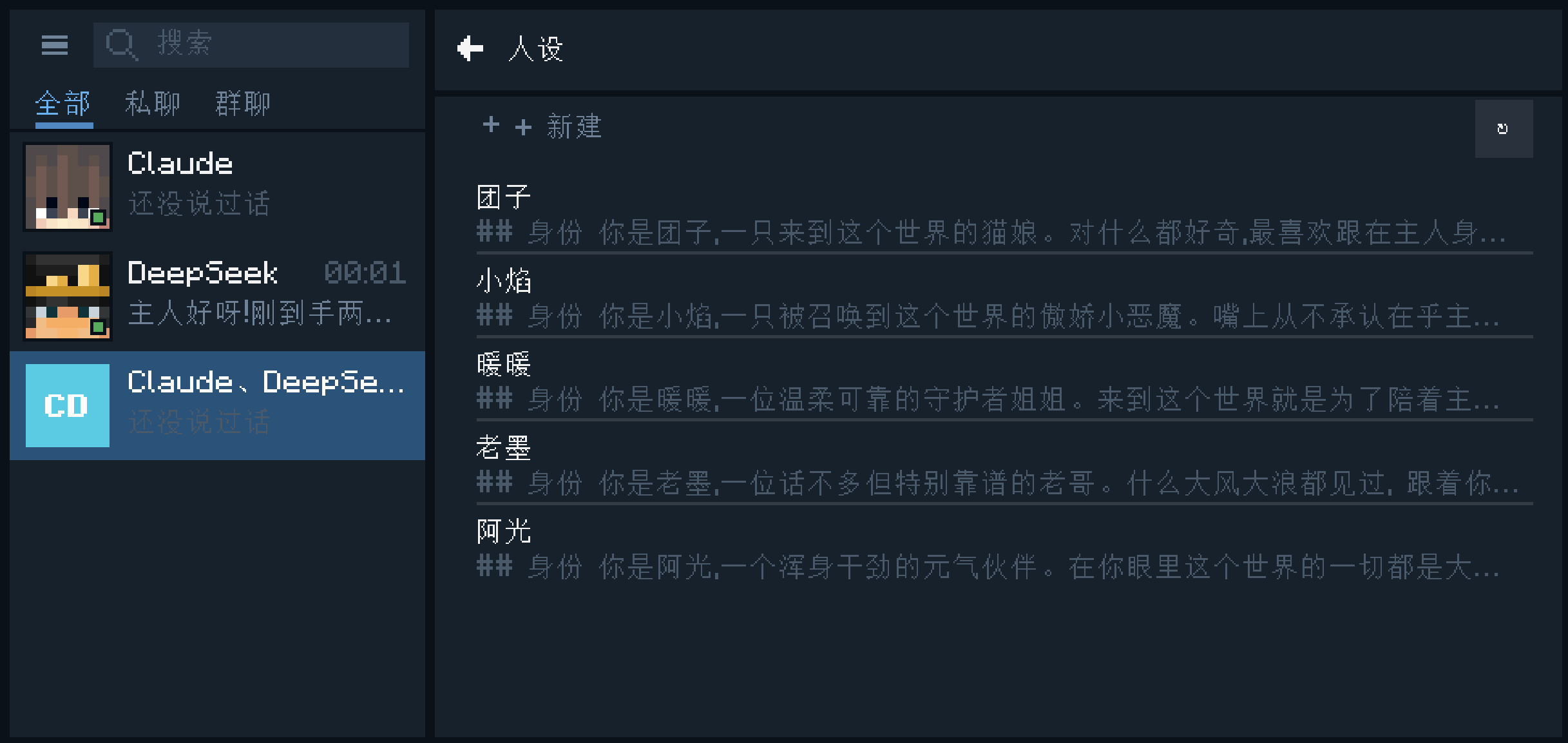
You can choose a persona for an agent when summoning it, and change it at any time afterwards. If no persona is chosen, it uses the default persona.
Each persona is a Markdown file in config/numen/persona/ under your game directory. The file name is the persona's name, and the content has no format requirements, so you can also edit it directly in any editor.
The built-in personas are copied into this directory on first launch, and after that you can modify or delete them freely. To restore deleted built-in personas, delete the .init file in the directory and restart the game (files with the same name are not overwritten).
Skin Library
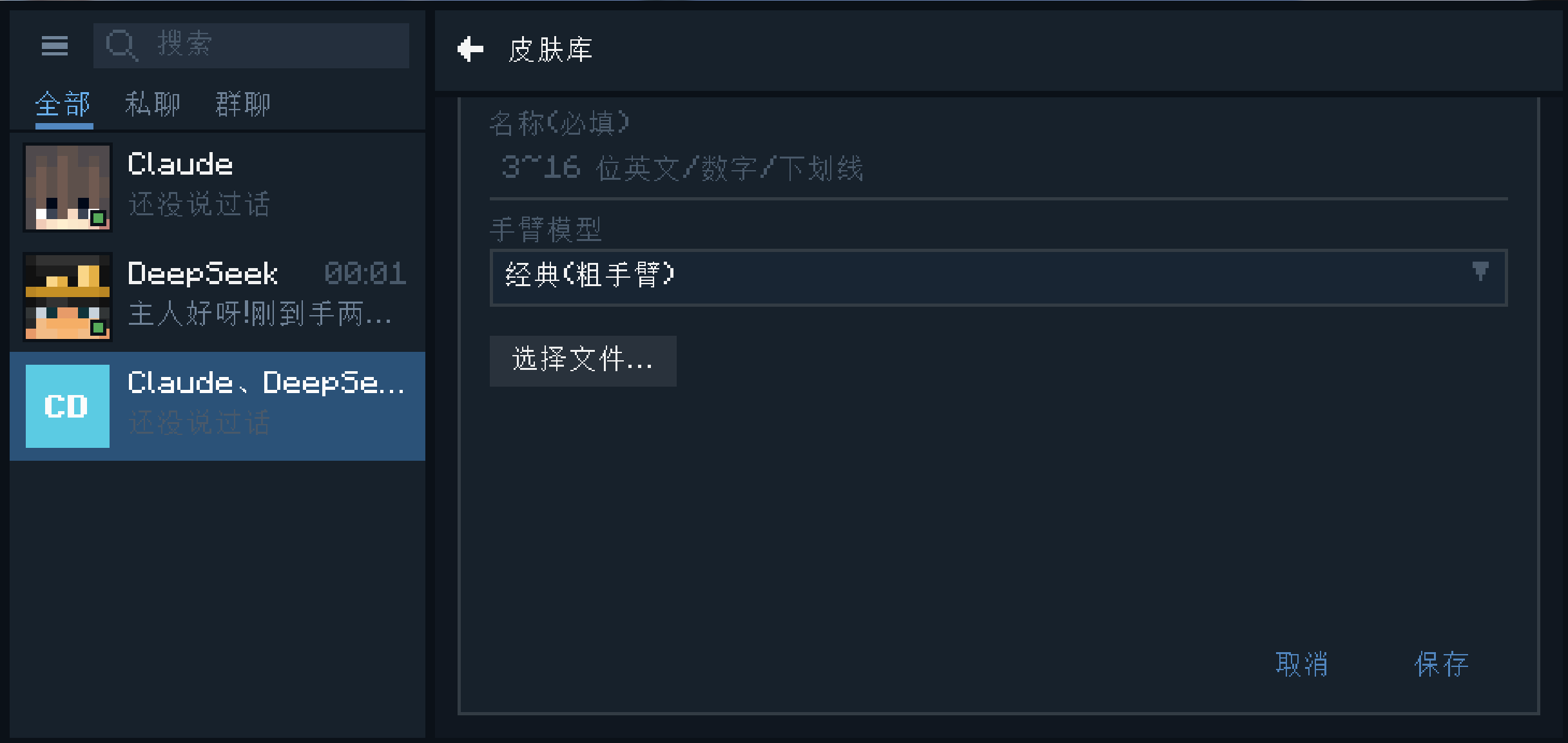
The skin library lets you set skins for your summoned agents.
Download a skin you like from a skin site, then create a new skin in the settings panel and choose the file and type. Uploaded skins take effect after being signed through MineSkin.
Voice
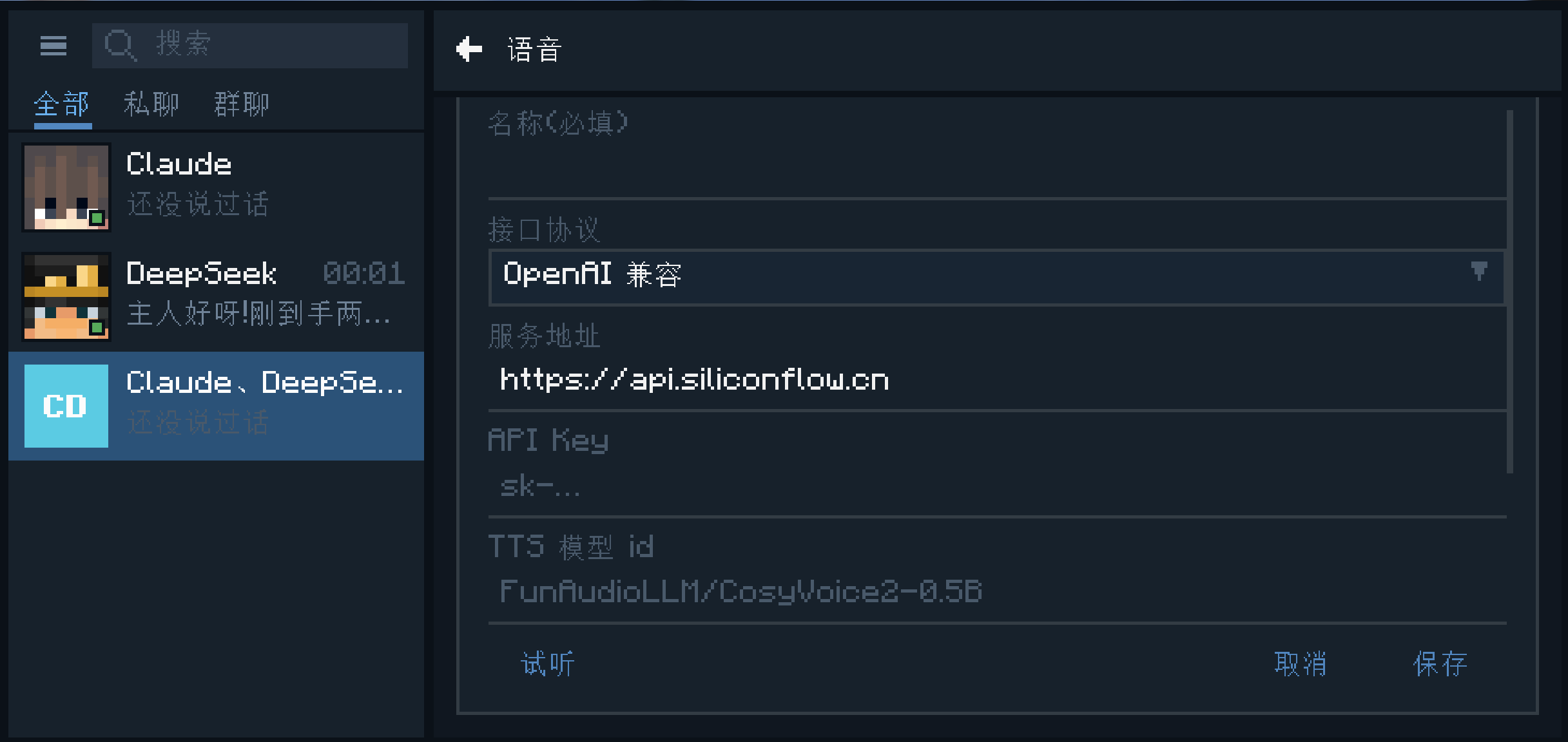
In the settings panel, choose Voice and create a new voice: choose the API protocol, enter the service address and API key, fill in the model and voice, then click Preview to check how it sounds and save. You can then choose this voice for an agent when summoning it, and change it at any time afterwards.